
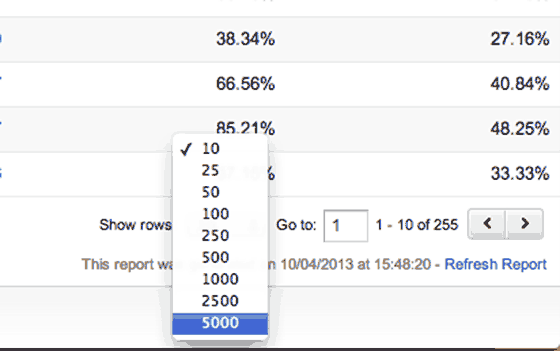
You CAN NO LONGER display and export more than 5000 rows in Google Analytics. You used to be able to, using the hack I list below:
When you select 5000 rows you will have a URL like this
https://www.google.com/analytics/web/?hl=en-GB&pli=1#report/trafficsources-organic/a12346448w43910105p43958149/%3F_u.date00%3D20110101%26_u.date01%3D20130410%26explorer-table.plotKeys%3D%5B%5D%26explorer-table.rowStart%3D0%26explorer-table.rowCount%3D5000/…once you could just change that last number from 5000 at the end of that URL to 50000 (add an extra zero) and hey presto – you saw much more in the dashboard, too.
The MAXIMUM amount of rows you can see in the Dashboard is 5000 rows, whichever number you specify at the end of that URL.
Alternatives
Google Sheet add-on to download data in multiple blocks of 10K: https://ga-dev-tools.appspot.
Free add-in for Excel which will download up to a million rows: http://www.
Comments are closed.